Two people can open the same AI tool, ask about the same topic and get very different results. One receives a vague, generic answer. The other gets something clear, useful and ready to use. The difference is rarely luck or technical skill. It comes down to the prompt, the instruction you type in. In our last post, we looked at why you should learn AI in 2026, and we said that clear instructions matter more than coding. This guide shows you exactly how to write them.
What is an AI prompt?
A prompt is simply the message you give an AI tool. It can be a question, a request or a detailed set of instructions. AI cannot read your mind. It only knows what you tell it, so a short, vague prompt leaves it guessing. The more clearly you explain what you need, the less it has to guess, and the better the answer becomes.
A simple five-part formula for better prompts
You do not need to memorize complicated rules. Most strong prompts include some mix of these five parts:
- Role: Who should the AI act as? For example, a career coach, a marketing assistant or a patient teacher.
- Task: What exactly do you want it to do? Write, summarize, explain, compare, plan or review.
- Context: What background does it need? Include your audience, your goal and any details that matter.
- Format: How should the answer look? A short email, a table, five bullet points or a step-by-step plan.
- Limits: What should it avoid or keep within bounds? A word count, a tone, a level of difficulty or words you do not want used.
You will not need all five every time. For a simple question, one or two are enough. For anything important, the more of them you include, the better your result.
Before and after: what a better prompt looks like
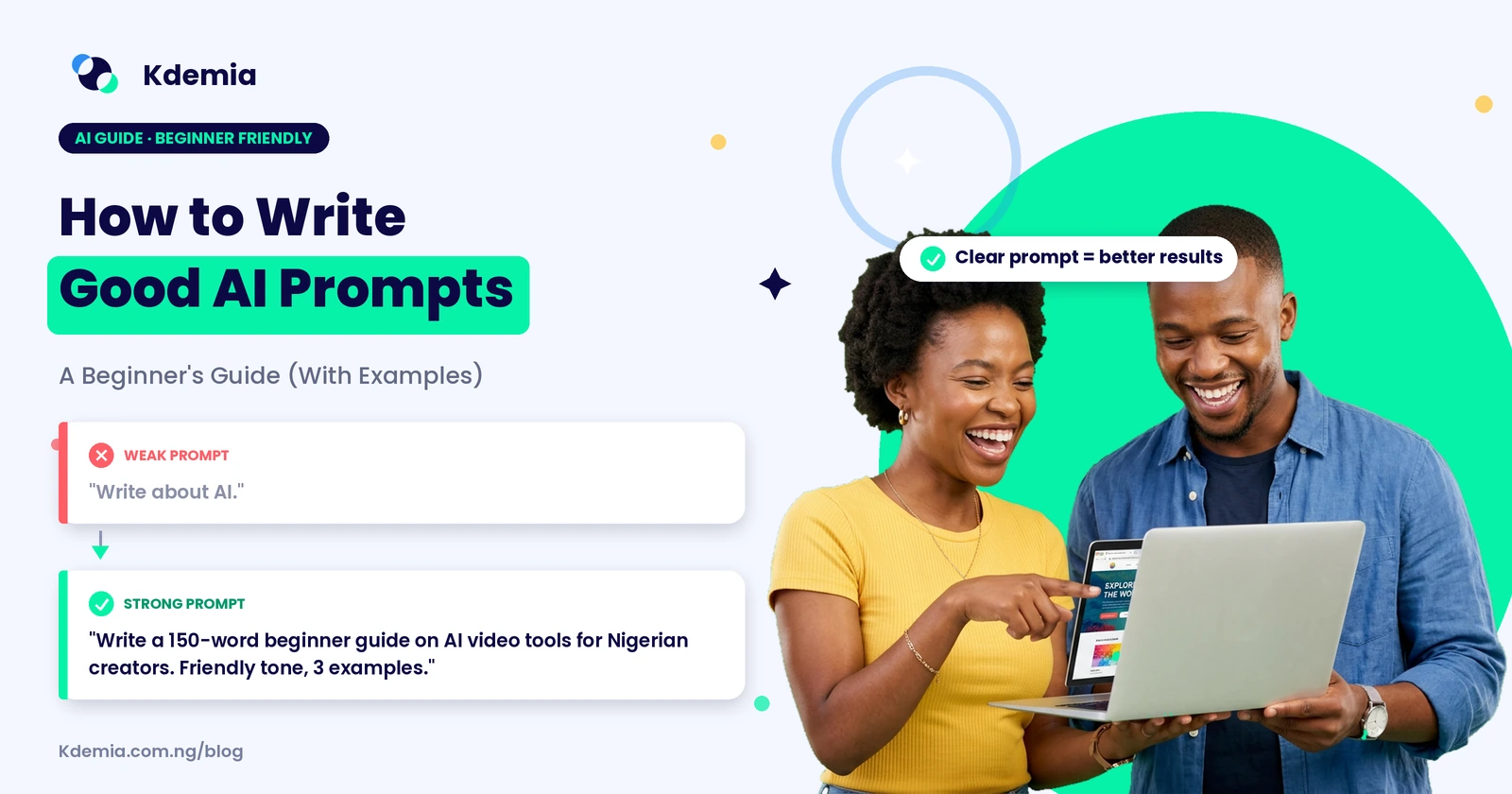
The easiest way to see the difference is to compare a weak prompt with a stronger one.
Example 1: Writing an email
Weak prompt:
Write an email to my customers.
Stronger prompt:
You are a friendly customer service assistant for a small online clothing shop. Write a short email telling customers that their orders will arrive two days late because of a supplier delay. Apologize sincerely, offer 10 percent off their next order, and keep it under 120 words in a warm, professional tone.
The second prompt gives the AI a role, a task, context, a format and limits. The email it produces will need far less editing.
Example 2: Studying
Weak prompt:
Explain inflation.
Stronger prompt:
Explain inflation to a first-year university student who has never studied economics. Use a simple everyday example from buying food at the market, then give me three short quiz questions to test whether I understood.
Example 3: Planning content
Weak prompt:
Give me content ideas.
Stronger prompt:
I run a small business selling handmade soap and I post on Instagram three times a week. Suggest ten post ideas that teach my followers something about natural skincare, and present them in a table with a title and a one-sentence description for each.
Five habits that improve your results
- Be specific about your audience. Writing for children, busy managers or experts changes everything about the answer, so say who it is for.
- Show an example. If you want a certain style, paste a short sample and ask the AI to match it. Examples teach faster than descriptions.
- Break big tasks into steps. Instead of asking for a full business plan in one go, ask for the outline first, then work through each section.
- Ask it to ask you questions. Try adding, “Before you answer, ask me any questions you need to give the best result.” This helps when you are not sure what details matter.
- Treat the first answer as a draft. If the result is not right, reply with what to change: “Make it shorter,” “Use simpler words,” or “Add a real-life example.” Refining is normal, and it is how experienced users get their best results.
Common prompting mistakes to avoid
- Being too vague. Short prompts like “write something about marketing” lead to generic answers.
- Packing in too many tasks. A prompt that asks for ten different things usually produces a shallow answer to each.
- Leaving out important details. If the AI does not know your audience, goal or limits, it will invent its own.
- Trusting every answer. AI can sound confident and still be wrong. Always check facts, names, dates and numbers before you use them.
- Sharing private information. Do not paste passwords, bank details or other sensitive data into an AI tool.
Three exercises to practice this week
Reading about prompts helps, but your skill grows when you practice. Try these:
- Take a message you need to send this week, such as an email or a post, and write a prompt using the five-part formula to draft it. Compare it with what you would have written yourself.
- Choose a topic you find difficult and ask the AI to explain it three times: for a child, for a beginner and for an expert. Notice how your instructions change the result.
- Write one weak prompt and one strong prompt for the same task, then compare the two answers side by side.
If you would like guided practice that connects prompting to real tasks, such as creating content, serving customers and finding ways to earn, our AI to Profit Course on Kdemia walks through it step by step. Many people find structure and feedback helpful, but you can also get far with regular practice on your own.
Final thoughts
Writing good prompts is a skill, and like any skill it improves with use. Start by being clear about what you want, who it is for and how it should look. Then refine the answer until it fits. A few weeks of regular practice can change how useful AI feels in your work, your studies and your business.
You May Also Like

-
Nov 2, 2026
Why does your business need content? Discover 6 ways content marketing builds trust, brings in customers and lowers costs, plus...

-
Oct 28, 2026
Wondering if it is worth it to learn AI? Discover 7 practical reasons to learn AI in 2026, from better...
Sign up to receive our latest updates
Join Us
- © 2026 Kdemia. All rights reserved.